
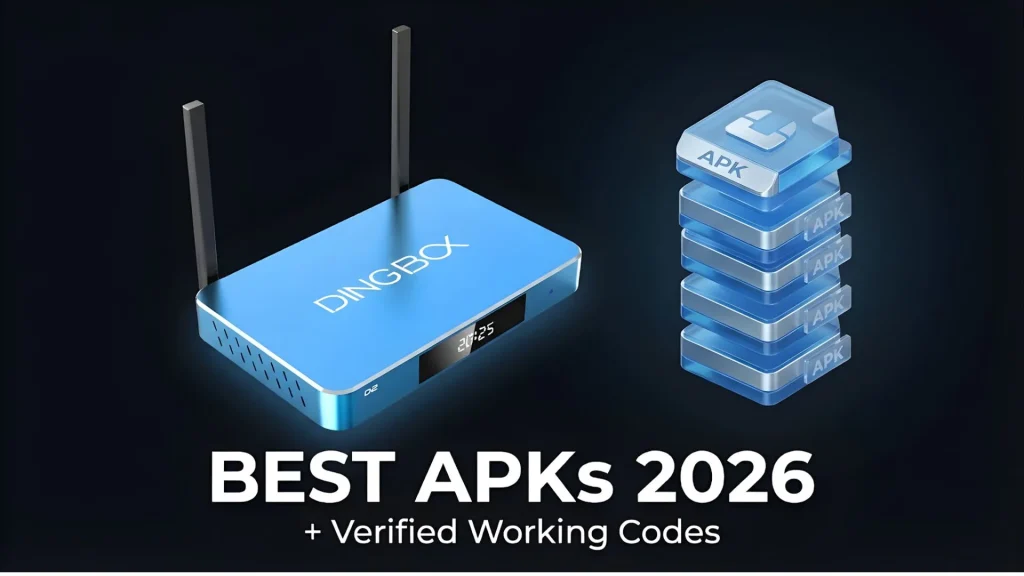
If you’re looking to get more out of your device, finding the best APKs for TV box can completely upgrade your streaming experience. From live sports to movies and international channels, the right apps turn a basic box into a full entertainment hub. In this guide, we’ll break down the best APKs for TV box, including both popular options and lesser-known picks, plus how to install them.
Top 5 Best APKs for TV Box: Sports, Movies, and Private Channels
Below are 5 APKs I’ve personally tested and confirmed working at the time of writing. Keep in mind that downloader codes may change over time. If a code doesn’t work, you may need to find an updated one.
FlixVision
One of the most well-known options when people search for the best APKs for TV box.
What it offers:
- Massive content library
- Live TV from 60+ countries
- Movies and series
- Password-protected private content (helps avoid kids accessing it)
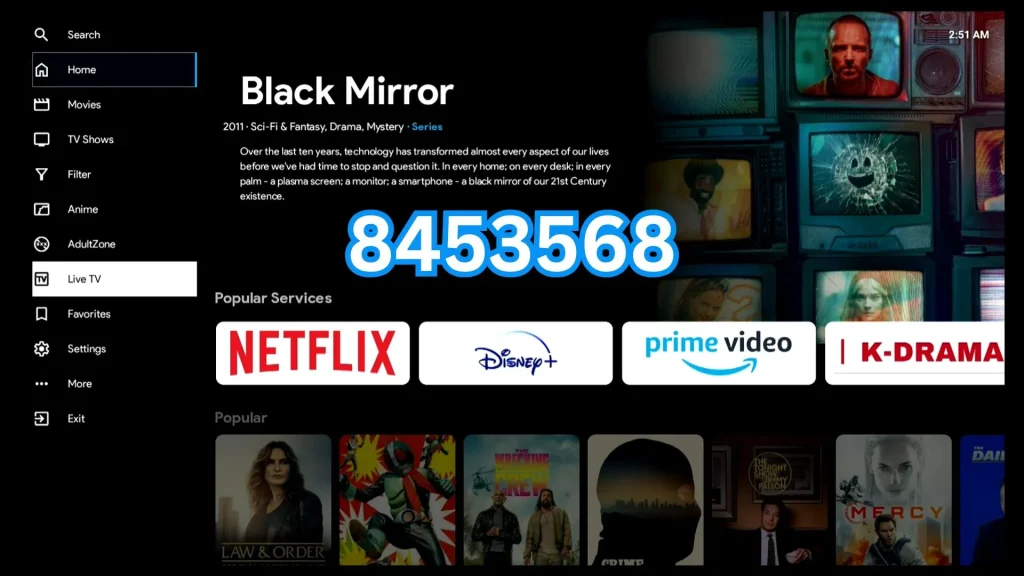
How to install:
- Go to Android App Store
- Download Downloader
- Enter code: 8453568
- Install and open from Apps
Downsides:
- Not all channels work
- Some links are broken
- Navigation takes multiple steps to start watching
SportzX
If you’re into sports, this is easily one of the best APKs for TV box for live events.
What it offers:
- Live sports + upcoming matches
- UFC, NBA, F1, FIFA
- Some movie content

How to install:
- Use Downloader
- Enter code: 5699355
Downsides:
- Some broken links
- Not always stable
Incognito
A more niche app often mentioned among advanced users exploring the best APKs for TV box.
What it offers:
- Large content library
- Multiple categories
- Includes AI-generated videos

Downsides:
- Older content quality
- No password protection (not ideal for kids)
How to install: Downloader code: 5880502
Sun TV and Sun+ (Dingbox Exclusive)
Unlike typical third-party apps, Sun TV and Sun+ offer premium built-in experience, making it stand out among the best APKs for TV box.
Sun TV
- Part of Dingbox ecosystem
- Thousands of international live TV channels
- No buffering
- All channels working (no broken links)
- Clean, easy interface (1–2 clicks to watch)
Huge advantage: saves time compared to other APKs
Sun+
Another exclusive that elevates what people expect from the best APKs for TV box.

What it offers:
- Massive library of movies and shows
- Content from major studios
- Wide range of private channels
- 100% working streams
How to install Sun TV & Sun+:
- Open Dingbox browser
- Go to: 0088899.cc
- Download directly
Important Notes Before You Install
While exploring all options, it’s important to understand the trade-offs:
Third-party APKs (FlixVision, SportzX, Incognito)
- Not always safe or verified
- Broken or unstable links
- Time-consuming (searching for working streams)
- Slower navigation
- Takes up storage
Dingbox Apps (Sun TV, Sun+)
- Stable and optimized
- Plug-and-play (no setup hassle)
- No broken channels
- Faster access to content
- Better overall experience
Looking for a Solution That Just Works Right Away?
If you’re tired of testing different apps and searching for working links, there’s a simpler option.
Dingbox D2 smart TV box comes with everything pre-installed and ready to use:
- No need to install multiple APKs
- No hunting for working links
- No complicated setup
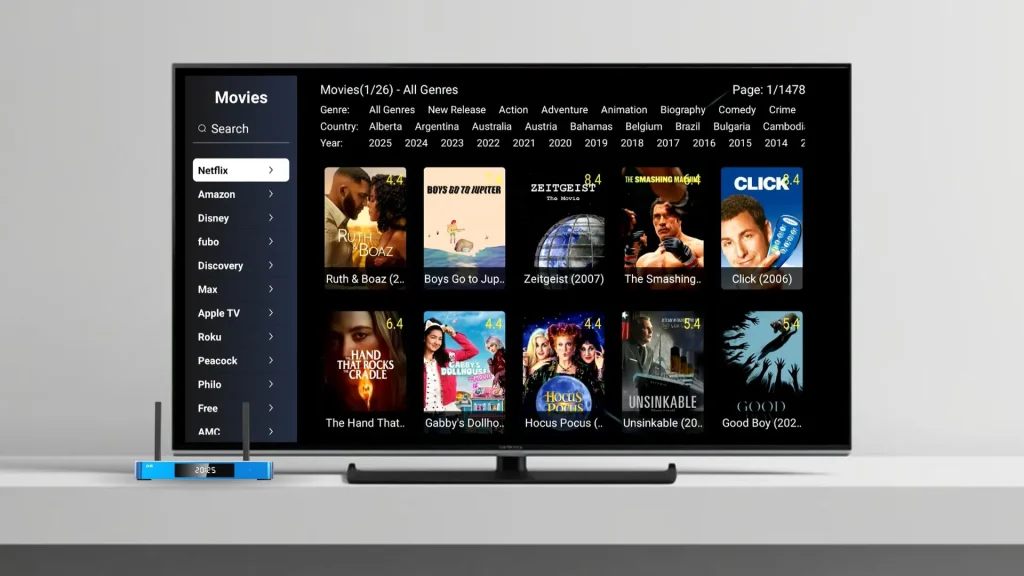
Just plug in and start watching. You get full access to a wide range of live TV, movies, shows, sports, adult channels, and so on (check DingBox entertainment apps for more information), along with smooth, no-buffering performance and a clean, easy-to-use interface.
The best part? The price is roughly equal to just 2 months of typical streaming bills, but you:
- Own the box
- Own the service access
- No ongoing hassle
Right now, you can use code DINGBOXBESTBOX to get $50 OFF and grab it at a great deal.
Best APKs for TV Box: Final Thoughts
The best APKs for TV box listed above can definitely help you explore more content and expand your viewing options. However, keep in mind:
- Many of these apps are not fully stable
- Some links may not work
- You might need to spend time browsing and testing to find what actually plays
If you enjoy exploring and don’t mind a bit of trial and error, these APKs can be a fun way to discover new content. But if you prefer something smoother and more reliable, a pre-optimized system can save you a lot of time. The best approach is to install a few, try them out, and see which ones fit your needs.
Happy streaming!
Share this post with your friends!

Finding the Best IPTV for Resellers in 2026
Choosing the right IPTV service for resellers has never been easy, especially when the market…

The Easiest Streaming Device for Seniors for Smooth Streaming
For many seniors, modern technology can be overwhelming, especially when it comes to smart TVs…
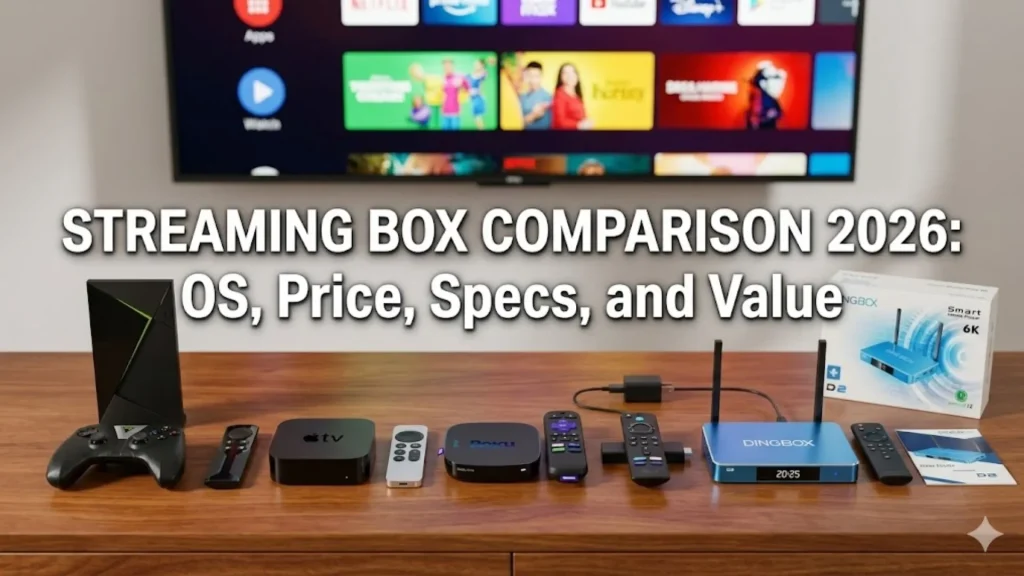
Streaming Box Comparison 2026: OS, Price, Specs, and Value
Streaming devices have become the easiest way to watch movies, live TV, and on-demand content…

The Cheapest Way to Watch NFL Games 2025: A Full Breakdown
As traditional cable prices continue to climb, millions of viewers are searching for the cheapest…

Free Sports Streaming Box: How People Watch All Games Live
For sports fans, finding a reliable way to watch live games without stacking monthly subscriptions…
DingBOX Channel List: Live TV, Sports, and Exclusive Channels
In recent years, the demand for IPTV has increased significantly. Users no longer want to…