
Streaming devices have become the easiest way to watch movies, live TV, and on-demand content at home. But with so many options available, choosing the right device isn’t always straightforward. In this streaming box comparison, we take a closer look at the Nvidia Shield TV Pro, Apple TV 4K, Roku Ultra, Amazon Fire TV Cube, and DingBox D2 — comparing their operating systems, hardware specs, pricing, standout features, and real user reviews to see how they perform and which offers the best long-term value.
Streaming Box Comparison Overview
Before diving into detailed reviews, here is a quick comparison of some popular streaming boxes currently available.
| Device | OS | RAM | Storage | Video Support | Typical Price |
| Nvidia Shield TV Pro | Android TV | 3 GB | 16 GB | 4K HDR / Dolby Vision | ~$199 |
| Apple TV 4K | tvOS | 3 GB | 64–128 GB | 4K HDR / Dolby Vision | $129–$179 |
| Roku Ultra | Roku OS | ~2 GB | Limited | 4K HDR | ~$100 |
| Amazon Fire TV Cube | Fire OS | ~2 GB | Limited | 4K HDR | ~$140 |
| DingBox D2 | Android 12 | 4 GB | 64 GB | 4K playback | ~$300+ (one-time payment) |
When comparing streaming boxes, hardware specifications only tell part of the story. Software experience, available features, and long-term usability often matter just as much.
Nvidia Shield TV Pro
The Nvidia Shield TV Pro is widely considered one of the most powerful streaming devices currently available.
Key Features
- AI upscaling that converts HD video to near-4K quality
- Plex media server support
- Dolby Vision and Dolby Atmos
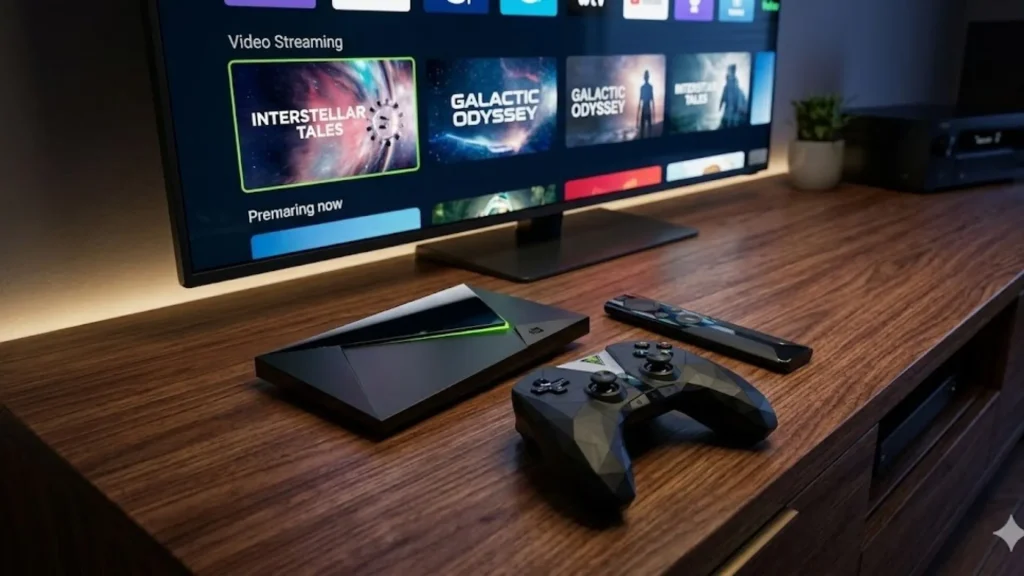
Because of its powerful processor, the Shield is often used by advanced users who run media servers or high-bitrate video files.
Hardware
- Tegra X1+ processor
- 3 GB RAM
- 16 GB storage
Even though the hardware was released several years ago, the device still performs well compared with many newer streaming boxes.
What reviewers like
Many reviewers praise the Shield’s performance.
According to TechRadar, the device remains “one of the most powerful streaming devices available today.”
Users on Reddit frequently highlight:
- Fast performance
- Excellent codec support
- Strong compatibility with media apps
One user described it as:
“The most versatile streaming device for serious media users.”
Criticism
However, reviews also mention several drawbacks:
- Relatively expensive compared with other streaming boxes
- Interface can feel slightly dated
- Limited internal storage
Despite these criticisms, the Nvidia Shield TV Pro remains a strong option for users who want maximum performance.
Apple TV 4K
The Apple TV 4K focuses on smooth performance and a polished user experience.
Key Features
- Apple A15 chip
- Dolby Vision and HDR10+
- integration with Apple devices
- Siri voice control
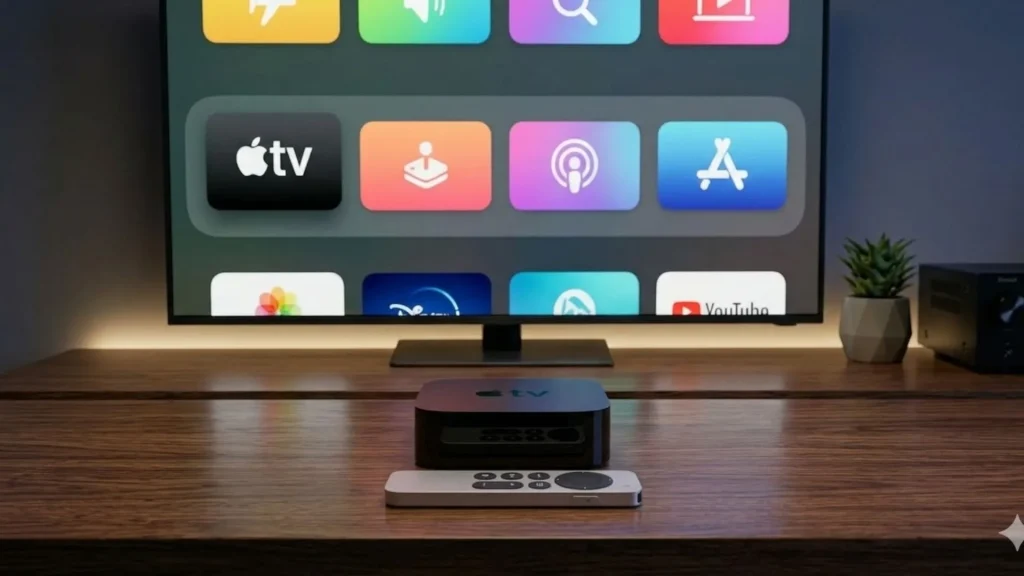
For people already using Apple products, the device integrates naturally with the ecosystem.
Hardware
- Apple A15 Bionic chip
- 3 GB RAM
- 64–128 GB storage
Apple TV is widely known for its fast interface and responsive navigation.
What reviewers like
Many reviews highlight its reliability.
Tom’s Guide notes that Apple TV provides one of the smoothest streaming experiences available.
Positive feedback often includes:
- Very fast interface
- Minimal advertising in the UI
- Long software support cycle
Many users also report that older Apple TV models still work well after several years.
Criticism
However, some reviewers mention drawbacks:
- Higher price than some competitors
- Limited customization options
- Best experience only if you use Apple devices
Roku Ultra
The Roku Ultra is designed with simplicity in mind. In this streaming box comparison, Roku Ultra stands out for its ease of use.
Key Features
- Straightforward interface
- Wi-Fi 6 connectivity
- Voice remote
- Broad streaming service compatibility
Unlike devices tied to a specific ecosystem, Roku focuses on providing neutral access to a wide variety of streaming apps.
Hardware
- Improved processor
- Ethernet support
- 4K HDR playback
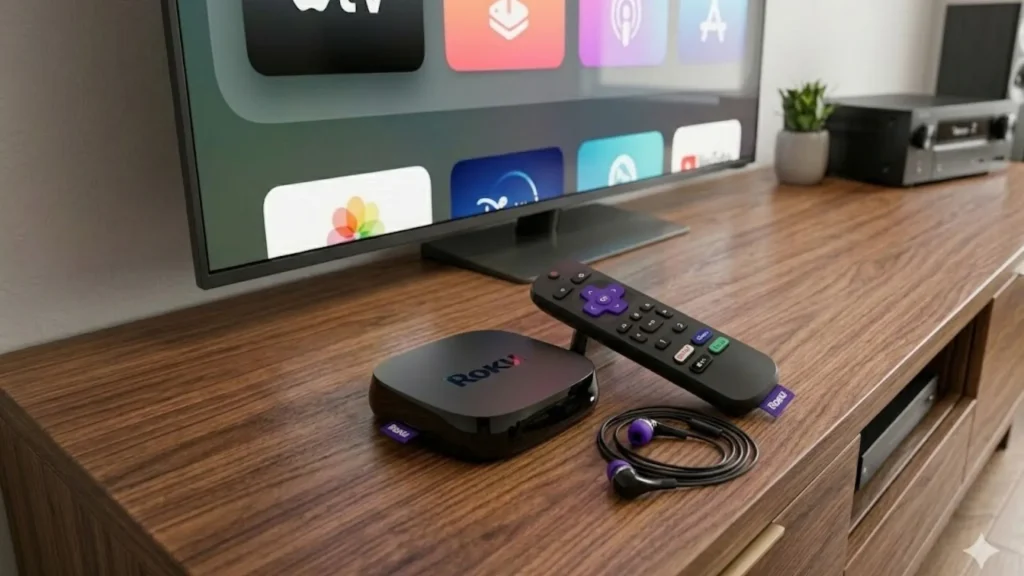
According to The Verge, recent Roku Ultra models introduced faster performance and improved wireless connectivity.
What reviewers like
Users frequently praise Roku for its ease of use.
Common positive feedback includes:
- Extremely simple setup
- Reliable streaming performance
- Wide compatibility with streaming services
For many households, Roku devices are among the easiest streaming devices to use.
Criticism
Some reviewers note disadvantages:
- The interface includes advertisements
- Limited storage capacity
- Fewer advanced features compared with premium devices
Amazon Fire TV Cube
The Amazon Fire TV Cube combines streaming capabilities with smart-home functionality.
Key Features
- hands-free Alexa voice control
- smart home integration
- HDMI input control
- 4K HDR video
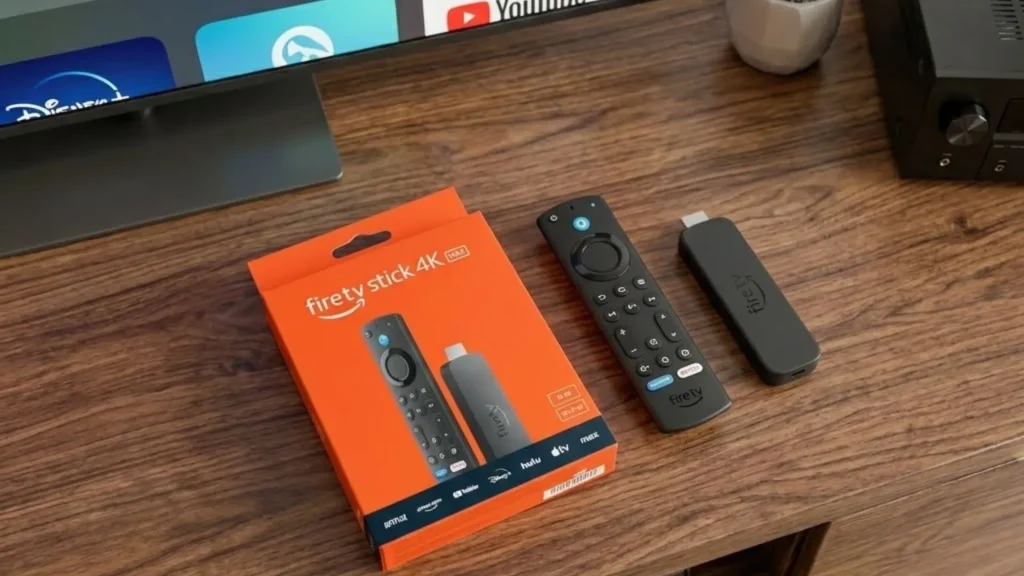
Because of its built-in microphones, the Fire TV Cube can function similarly to an Alexa smart speaker.
Hardware
- octa-core processor
- Wi-Fi 6E
- Dolby Vision support
What reviewers like
Many reviewers highlight the device’s voice control features.
Users often appreciate:
- Strong Alexa integration
- Fast navigation
- Convenient voice commands
According to CNET, the Fire TV Cube provides one of the best voice-controlled streaming experiences currently available.
Criticism
However, reviews also mention several limitations:
- Strong promotion of Amazon content within the interface
- Presence of advertisements
- Best suited for users already invested in the Alexa ecosystem
DingBox D2
The DingBox D2 represents a newer option in the streaming box market, focusing on simplifying entertainment into a single device.
Key Features
DingBox includes several features designed to make watching TV more convenient:
- Access to a wide range of streaming apps. Check DingBox TV channel list
- One-time device purchase model
- Time shift functionality
- Playback for previously aired programs
- Parental control options
- Voice command remote
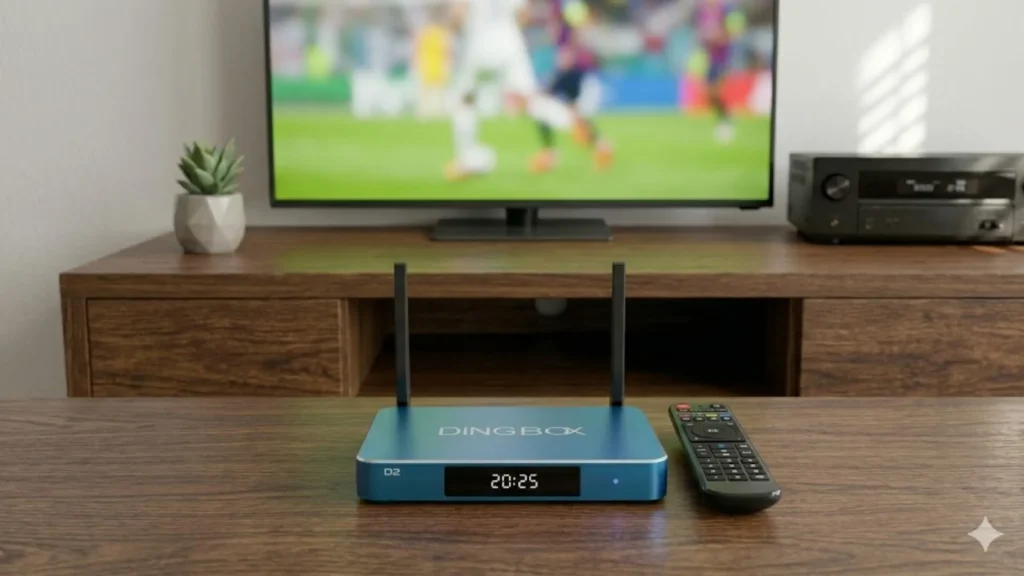
Unlike some streaming platforms that require multiple subscriptions, DingBox aims to centralize content and apps into one interface with no additional monthly fees.
Hardware
Typical specifications include:
- Android 12 system
- Quad-core Cortex-A53 processor
- 4 GB RAM
- 64 GB storage
- Wi-Fi 6 connectivity
Compared with many streaming devices, DingBox offers relatively large internal storage.
What users like
Early user feedback often highlights:
- Large storage capacity
- A broad content library
- Organized interface
- Ability to revisit previously aired programs
Features such as time shift and playback can make it easier to catch shows that were missed earlier.
Criticism
Because the device is newer, reviews also point out some limitations:
- Smaller user community compared with major brands
- Fewer reviews from large media outlets
Even so, its feature set positions it as an alternative streaming hub for users seeking a centralized entertainment experience.
Feature Comparison
Here is a side-by-side comparison of the devices discussed above.
| Feature | Shield TV Pro | Apple TV 4K | Roku Ultra | Fire TV Cube | DingBox |
| OS | Android TV | tvOS | Roku OS | Fire OS | Android 12 |
| RAM | 3 GB | 3 GB | ~2 GB | ~2 GB | 4 GB |
| Storage | 16 GB | 64–128 GB | limited | limited | 64 GB |
| Voice Control | Google Assistant | Siri | Roku Voice | Alexa | Google Assistant |
| Special Features | AI upscaling | Apple ecosystem | simple UI | smart home | time shift, playback, parental control |
Which Streaming Box Should You Choose?
A side-by-side streaming box comparison makes it easier to understand how these devices differ in terms of operating systems, hardware resources, and special features. Choosing the right streaming device depends largely on your priorities.
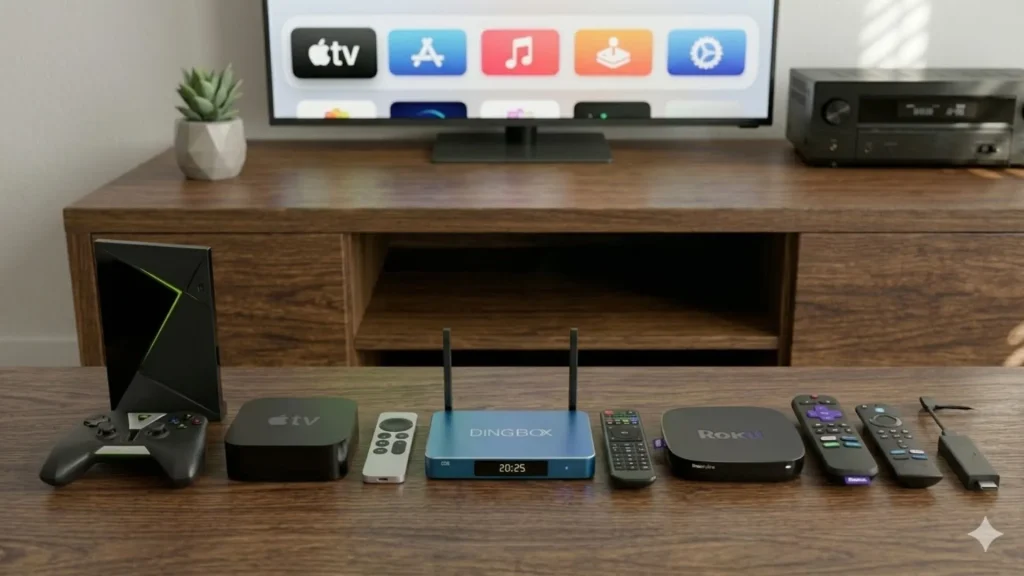
- If performance is most important: The Nvidia Shield TV Pro is often recommended.
- If you prefer a polished interface: Apple TV 4K offers a smooth and reliable experience.
- If simplicity matters most: Roku Ultra remains one of the easiest streaming devices to use.
- If you already use Alexa: Fire TV Cube integrates well with smart-home systems.
- If you want an all-in-one streaming hub: DingBox D2 offers a large content library with additional playback and time-shift features designed for TV viewing.
Streaming devices continue to evolve as more households move away from traditional cable services. Major brands such as Nvidia, Apple, Roku, and Amazon dominate the market with different ecosystems and user experiences. At the same time, newer devices like DingBox are exploring alternative ways to simplify how viewers access entertainment. Ultimately, choosing the right streaming box depends not only on hardware performance but also on how well the device helps users discover and enjoy content.
Share this post with your friends!
Streaming Box Comparison 2026: OS, Price, Specs, and Value
Streaming devices have become the easiest way to watch movies, live TV, and on-demand content…
Fully Loaded Android TV Box: What It Costs and Where to Buy
In today’s fast-paced world, entertainment has become an essential part of our daily lives. Many…
Finding the Best IPTV for Resellers in 2026
Choosing the right IPTV service for resellers has never been easy, especially when the market…
6K TV Box: Everything You Need to Know Before Buying
The term 6K TV box has been popping up everywhere lately. Some brands even suggest…

The Best TV Box for RV Streaming in 2025: A Complete Guide
For many people living, traveling, or vacationing in an RV, entertainment is part of everyday…
Are Fully Loaded Streaming Boxes Legal and Safe in 2026?
Streaming devices promise access to more content at a lower cost, and many shoppers are…