
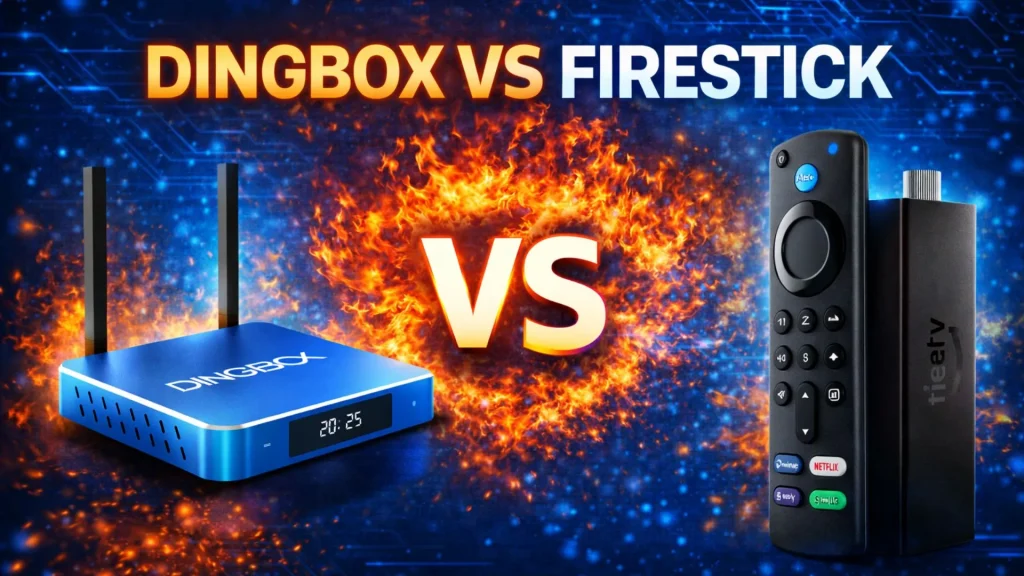
When choosing a modern streaming device, two popular options often come up: DingBox D2 vs Fire TV Stick 4K Max. Both promise smooth 4K streaming, voice control, and access to a wide range of content but they approach home entertainment in very different ways. In this detailed DingBox vs Firestick comparison, we’ll look closely at hardware specs, software features, user experience, and models to help you decide which device better fits your viewing habits. Rather than favoring one product, this article focuses on real specifications and practical differences between DingBox D2 and Fire TV Stick 4K Max.
DingBox vs Firestick: Hardware Specs
Let’s start with what’s inside each device.
DingBox D2 Specifications
DingBox D2 is a full open Android TV box designed for home use, offering stronger hardware expandability and storage. With its open Android platform, users have greater freedom to customize the system, add apps, and optimize their viewing experience. Key specs include:
- Operating System: Android 12
- Processor: Quad-core ARM Cortex-A53
- GPU: Mali-720MP2
- RAM: 4GB DDR
- Storage: 64GB eMMC
- Wi-Fi: Dual Band (2.4G + 5G), WiFi 6
- Antenna: 2T2R (2 transmitters, 2 receivers)
- Connectivity: Ethernet, HDMI, Wi-Fi, Bluetooth 5.2
- Remote: Bluetooth voice control remote, keyboard compatible
- Video Output: Typically up to 4K Ultra HD for streaming apps; supports up to 6K playback mainly for local files or certain third-party players
- HDR: Users can manually select HDR10 or HDR10+ on supported content, depending on the app and source
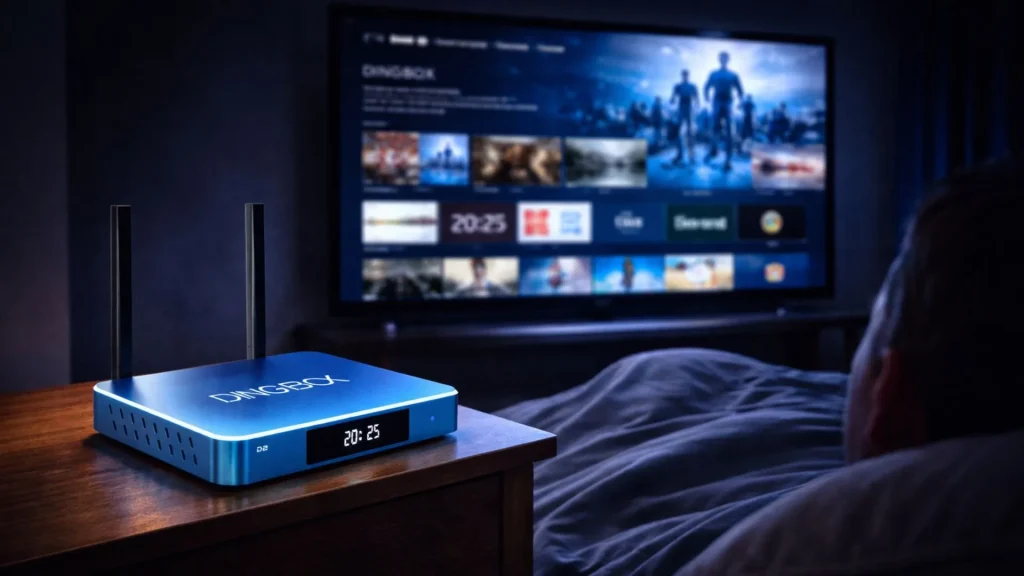
Unlike stick-style devices, DingBox D2 is a traditional set-top box with physical ports, allowing wired Ethernet connections and USB expansion. It does take up more space than a Fire TV Stick, but DingBox D2 features a stylish ocean-blue design that many users appreciate, as the color adds a modern touch to their living space.
Fire TV Stick 4K Max Specifications
Fire TV Stick 4K Max is Amazon’s most powerful streaming stick, designed for compact portability and tight integration with Amazon services. Its main specs include:
- Operating System: Fire OS (Android-based, Amazon customized)
- Storage: 16GB
- Video Output: 4K Ultra HD
- HDR Formats: Dolby Vision, HDR10, HDR10+, HLG
- Audio: Dolby Atmos
- Wi-Fi: Wi-Fi 6E
- Remote: Alexa Voice Remote Enhanced
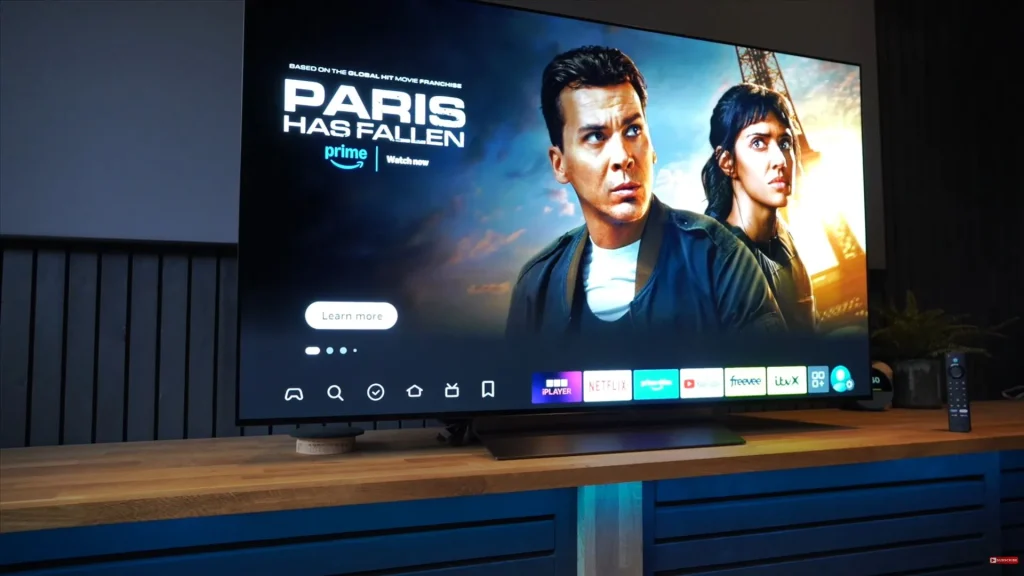
Firestick plugs directly into your TV’s HDMI port and draws power via USB, making it easy to move between rooms or take while traveling. One notable advantage of Firestick is its support for Dolby Vision, a feature that many Android TV boxes on the market still do not offer.
Quick Specs Comparison
In this DingBox vs Firestick comparison, DingBox D2 leans toward flexibility and expandability, offering larger storage, Ethernet connectivity, and support for higher-resolution local playback.
| Feature | DingBox D2 | Fire TV Stick 4K Max |
| OS | Android 12 | Fire OS |
| RAM | 4GB | Not publicly specified |
| Storage | 64GB | 16GB |
| Wi-Fi | WiFi 6 (Dual Band) | Wi-Fi 6E |
| Ethernet | Yes | No |
| Max Resolution | 4K streaming; up to 6K local playback (app dependent) | 4K Ultra HD only |
| HDR | HDR10 / HDR10+ (app dependent, selectable) | Dolby Vision, HDR10+ |
| Audio | App dependent | Dolby Atmos |
| Expandability | USB + Ethernet | Very limited |
| Form Factor | TV Box | HDMI Stick |
Fire TV Stick 4K Max prioritizes simplicity and portability, with stronger native support for Dolby formats but far fewer expansion options. This contrast clearly defines the core experience in the DingBox vs Firestick debate.
DingBox vs Firestick: Features Comparison
Hardware is only part of the story. Features determine how you actually use your device day to day.
DingBox D2 Features
DingBox D2 runs full Android 12, giving users access to the Google Play ecosystem and greater system flexibility. Key features include:
- Ready-to-use Live TV and VOD interface (fully loaded)
- Time Shift (pause and rewind supported live content)
- Playback functionality
- Parental Control
- Google Voice Command
- Picture-in-Picture (PiP) on supported apps
- Built-in recording on supported apps
Time Shift and Playback are especially useful for users who like to pause live programs or rewatch missed segments. Parental Control adds value for families, allowing content restrictions at the system level. PiP support, available in some apps, allows multitasking.
Fire TV Stick 4K Max Features
Fire TV Stick 4K Max is built around app-based streaming. Its main features include:
- Alexa voice control
- Amazon Luna and Xbox Game Pass compatibility
- Live view picture-in-picture
Firestick shines when used with Amazon Prime and Alexa-enabled homes. However, it relies almost entirely on individual streaming apps and does not offer free content library, native Time Shift, or Playback functions. This creates a clear functional difference in the DingBox vs Firestick comparison.
DingBox vs Firestick: Content Access and User Experience
In short, this is where the real difference in DingBox vs Firestick becomes clear.
DingBox Content Acces
DingBox D2 combines a familiar Android experience with a more centralized content ecosystem. Like Firestick, DingBox D2 comes with access to the Google Play Store, allowing users to install popular streaming apps. However, DingBox TV box goes a step further by including many built-in APK app stores. These stores feature officially supported applications that are not available on standard Android boxes or Fire TV devices.
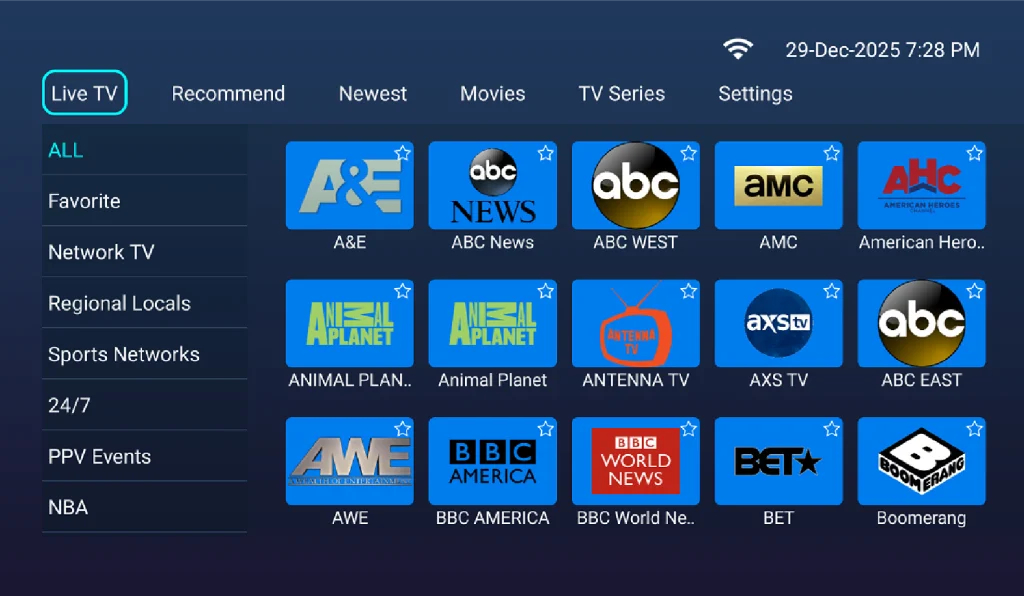
Unlike sideloaded apps on Firestick (often installed via Downloader codes), these DingBox apps are:
- Officially supported
- Optimized for the device
- Updated regularly
- Designed to run smoothly long term
- Completely ad-free
This creates a noticeably different experience for everyday users. Instead of jumping between multiple subscriptions, DingBox users typically access content through a centralized interface, which includes:
- A library of over 2,000 live TV channels. Check DingBox TV box channel list.
- Hundreds of thousands of movies and TV shows aggregated from multiple platforms
- Regular content updates, including new releases shortly after theatrical runs
- A dedicated sports library featuring major global leagues and pay-per-view events streamed live
All of this is available in a plug-and-play format, without requiring users to manage separate streaming subscriptions. For families who watch TV frequently and prioritize convenience, DingBox D2 offers an all-in-one experience that minimizes setup and ongoing management.
Fire TV Stick 4K Max
On Fire TV Stick 4K Max, content is accessed primarily through individual streaming apps (Netflix, Prime Video, Hulu, Disney+, etc.) The interface is fast and intuitive, but users must install apps individually and maintain multiple subscriptions to unlock content. Firestick does not provide a unified content library; instead, everything is app-driven.
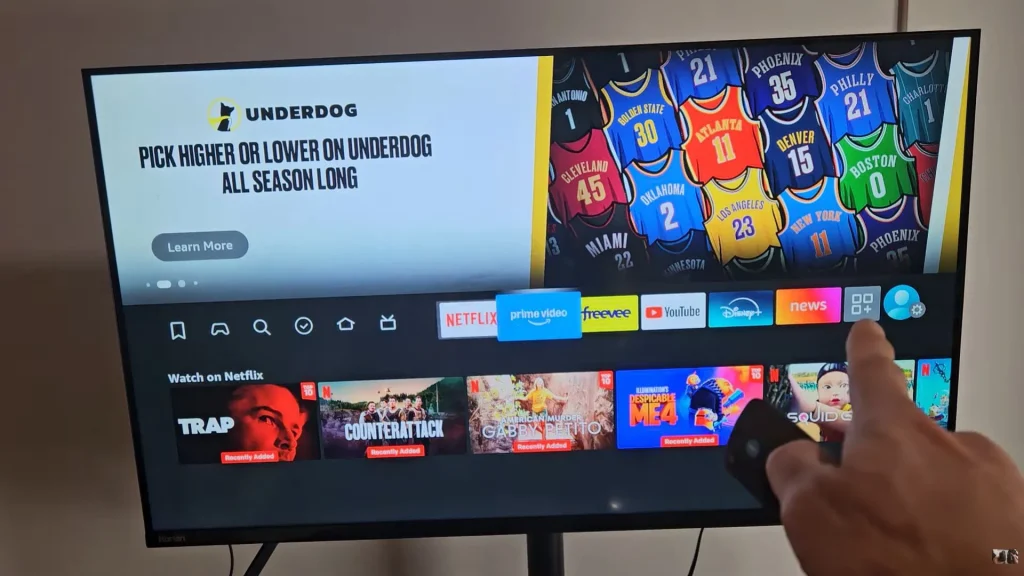
This makes Fire TV Stick ideal for users who already rely on mainstream streaming services and prefer a lightweight, portable device. However, the overall experience depends heavily on ongoing monthly payments and switching between platforms.
DingBox vs Firestick: Which One Is Better for Different Users?
Ultimately, choosing between DingBox vs Firestick comes down to how you watch TV:
DingBox D2 Is Better For:
- Users who prefer a one-time investment
- Families needing Parental Control and Playback
- Viewers who value Time Shift functionality
- Users wanting Android flexibility and larger storage
Fire TV Stick 4K Max Is Better For:
- Amazon ecosystem users
- Travelers who need portability
- Viewers relying on mainstream subscription apps
- Those who want Dolby Vision and Dolby Atmos support
- Alexa smart-home users
DingBox vs Firestick: Final Verdict
There is no universal winner in the DingBox vs Firestick debate. Both devices serve different audiences. Understanding those differences is the key to making the right choice.
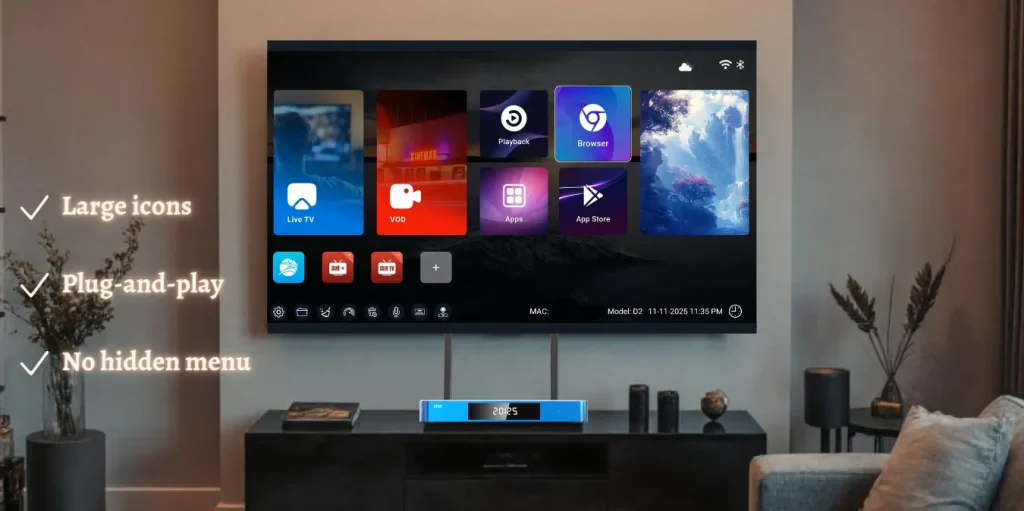
DingBox D2 emphasizes hardware capability, Android flexibility, and features like Time Shift, Parental Control, Google Voice Command, and optional PiP. It suits users who prefer a more complete home entertainment box with no monthly fees.
Fire TV Stick 4K Max prioritizes convenience, portability, and certified Dolby technologies within Amazon’s ecosystem. It works best for users comfortable managing multiple subscriptions and who value a compact design.